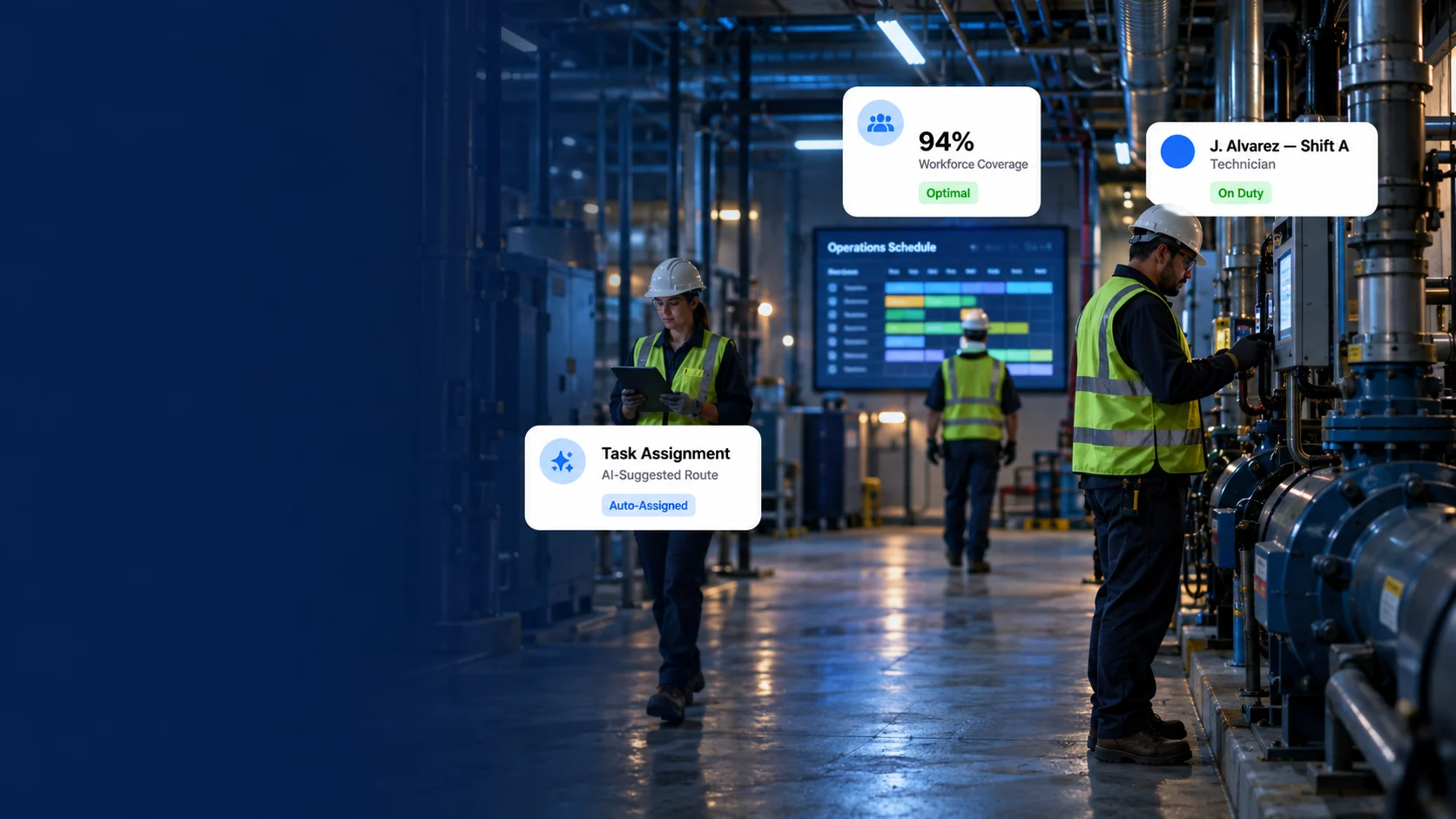
Plan the people behind your building maintenance. Bring technician assignments, shifts, availability, leave approvals and working-time settings into your DreamzCMMS facility workflow.
Based on 200+ reviews on







Trusted By Global Brands Across The World
Your scheduler identifies the work. Your workforce process makes sure the right people, working hours and approvals are part of the plan.
Plan recurring tasks, inspections and preventive maintenance.
Plan assignments, shift coverage, leave decisions and working time.
Recognition from software review platforms for value, ease of use, functionality and customer support.


A rooftop AHU inspection needs more than a due date. Select the facility and asset, set the planned work window, and check the technician’s existing allocations before confirming the assignment. Keep the responsible person or team attached to the work order.
Building A · Rooftop plant
Work order
Selected
Verify allocation
Check the time window before saving.
Define the day, evening or night shift with its own start time, end time and break duration. Assign employees to the relevant shift and date range, so building coverage is planned around the team’s working hours rather than a separate spreadsheet.
Example shift patterns for a facility team
Shift setup
07:00 – 15:3030-minute break · 8 work hours
15:00 –
23:3030-minute break · 8 work hours
| Technician | Mon | Tue | Wed | Thu | Fri |
|---|---|---|---|---|---|
| Alex M. | D | D | D | D | D |
| Jamie C. | D | D | D | D | D |
| Casey R. | E | E | E | E | E |
Before assigning a basement pump repair, review who is working, what is already allocated and which absences have been approved. Use that context to decide who can take the work, where the plan needs adjusting and which tasks need a different owner.
Building A · Net shift hours exclude breaks
Planning example
5 / 8 h allocated
7 / 8 h
allocated
4 / 8 h allocated
Approved leave
Let employees submit leave with the type, dates and supporting comments. Give authorized managers a clear request to approve or reject, with status and history visible for follow-up. Then review affected facility work and decide how the shift will be covered.
Requests, approval status and coverage follow-up
Team requests
Approved
Pending
Configure the check-in and check-out messages your team uses, together with the overtime and double-time calculation hours required by your process. Review time captured through your enabled timesheet workflow alongside the facility work being carried out.
Alex Morgan · Illustrative daily record
8.0 work hours
At the end of a shift, bring the discussion back to the work record. Review assigned technicians, planned dates, progress and outstanding tasks. Keep notes and completion details with the job so the next supervisor can understand what happened and plan the follow-up.
Building A · Selected team work orders
End-of-shift review
Completed
In progress
Waiting
Use VEDA to find maintenance information, review open work and look up asset history through everyday questions. Give supervisors the records behind the workload—while keeping staffing choices and approvals with the people responsible.
Open
Assigned
Open the work orders to review ownership, due dates and maintenance notes before changing the plan.
Keep the workforce process alongside your building assets, work orders and mobile maintenance—not in a disconnected planning file.
See how shifts, assignments, leave requests and time settings fit your team.
Bring the details that affect staffing into your operational workflow, from the first shift definition to the work completed on site.
Review assignee allocations before confirming new work.
Create named shifts with working hours and breaks.
Assign employees to shifts and defined date ranges.
Plan around working shifts, existing work and absences.
Capture leave type, dates and employee comments.
Track leave decisions and their recorded status.
Configure messages and working-time calculation hours.
Review work ownership, progress and recorded-time context.
Use workforce records alongside the work, buildings and mobile updates your team already manages. Extend reporting or time capture through the connections configured for your organization.
Optional Connecteam integration supports configured user and time-record synchronization. User synchronization is one-way from Connecteam to DreamzCMMS; time records can follow the selected real-time or approval-based mode. External connections, permissions and reporting scope require configuration.
Keep mobile execution and facility performance reporting connected to the same operation.
Apply the same approach to staffing whether you manage one property or multiple facilities with different teams and working hours.
Coordinate building engineers, planned rounds and response work across floors and service areas.
Plan coverage for facility maintenance teams while keeping assigned work and follow-up visible.
Organize shifts and technician assignments across several buildings and shared building systems.
Plan technical coverage around guest areas, plant rooms and the needs of each property.
Give each role the information it needs without treating a maintenance calendar as the complete staffing plan.
Review how shifts, employee availability and approved absences affect the maintenance plan.
Plan staffing with operational context.
Check existing allocations, review requests and leave decisions, and confirm who will take the work.
Turn a staffing decision into clear ownership.
Work from the assigned job and location, submit leave through the defined process and record time through the enabled workflow.
Keep the team informed as work progresses.
Common questions about managing the people behind facility maintenance.
Automated maintenance scheduling focuses on what work is due and when it should happen. Technician scheduling and workforce management focus on the people who carry out that work: their shifts, existing allocations, availability, leave requests and working-time settings. The two processes complement each other within DreamzCMMS.


Yes. Shift Master supports named shifts with start and end times and break durations. Employees can be assigned to a shift with assignment start and end dates. Configure the patterns around your actual facility staffing requirements.
Yes. The work-order assignment process includes an assignee allocation review. Use it alongside shift and absence information when deciding who can take a job. A person being on shift does not by itself mean they are free for a new task.


Employees can submit leave with a type, date range and comments. Authorized managers can approve or reject requests, and review status, history and balances. Pending requests should remain distinct from approved absences during staffing review.
This page does not assume automatic reassignment. After approving leave, supervisors should review affected work and arrange cover through their configured assignment process. Confirm any additional automation separately for your deployment.
Timesheet Setup Settings include check-in messages, check-out messages, overtime calculation hours and double-time calculation hours. Confirm your organization's rules and the enabled time-capture workflow before using calculated time totals.
Yes. Technician assignments can connect to mobile work-order execution, where the team reviews job details and records progress. The Mobile Facility Management page shows the building-specific execution workflow; this page focuses on planning people and working time.
This is a workforce-focused part of the DreamzCMMS facility operation, not a claim of a separate payroll or full human resources product. Payroll processing, statutory rules, biometric attendance and broader HR functions are not promised on this page. Discuss any external requirements during configuration.
DreamzCMMS documents an optional Connecteam integration. User synchronization is one-way from Connecteam to DreamzCMMS, and check-in/check-out synchronization can follow the selected real-time or approval-based mode. The integration requires its own configuration and access settings.
See how technician allocations, shift assignments, leave decisions and timesheet settings fit your
building maintenance operation.





























